No matter where you are in the UpNDownSports store, you will see the Personalize button at the top of the page, which you can use to customize your product.

This will take you to the following page where you can personalize your products.

Using the buttons on the left you can
- Choose a product
- Insert a design from UpNDownSports
- Add a text and/or
- Upload your own image (e.g. a club or company logo)
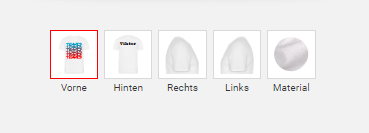
Designs, uploaded images or texts can be placed on the front, back and/or left and right of the sleeves, depending on the product.
You can select the product color via the material selection.
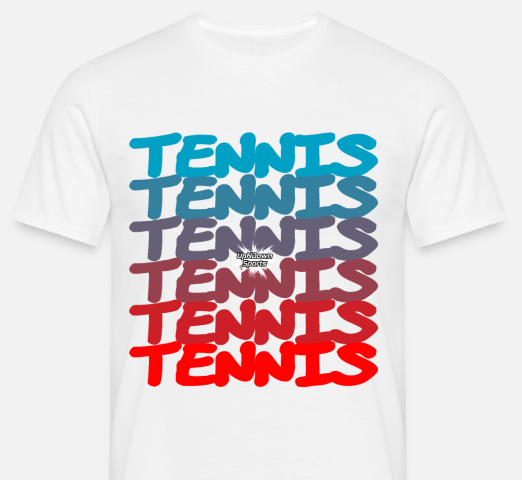
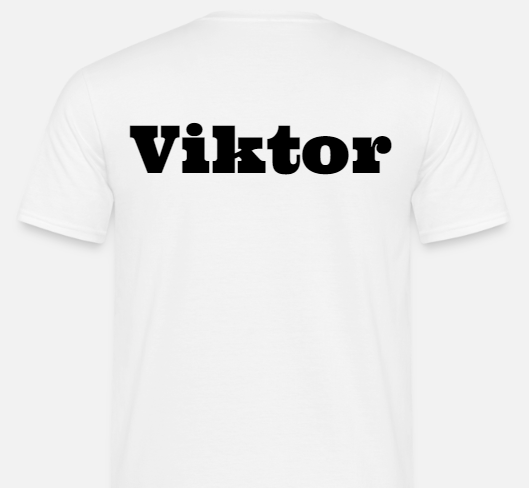
The result could look like this. The UpNDownSports tennis design on the front and your name on the back.